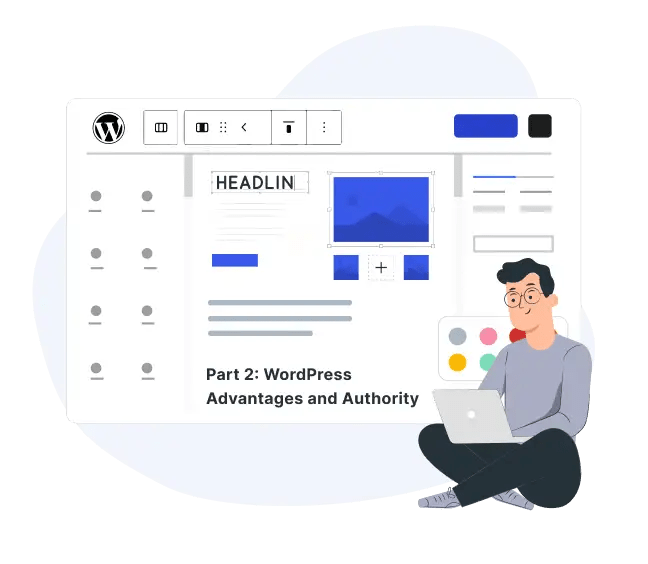
As we discussed the features and functionality in the part 1 of this article. We got to know about what WordPress is and how it is one of the most popular and best choices for a CMS. We’ll take different route and cover the advantages and authority of WordPress as a CMS in this part 2. We’ll cover more points to give you a clear picture of the use of WordPress and what you get from it as a CMS!
Now, as we got to know how easy it is to start using and building a website with WordPress. How you can intuitively use it to build a website with it. And how you can leverage it to have one of the best CMS available in the market.
And this marks the top reasons why you should build your website with WordPress as your CMS. Now, you know what WordPress is and what it offers to you as a user, no matter what type of website you want to build and run.
I’d go on and talk more about WordPress, its mysteries, and how great it is. But I think this much is more than enough for one article, hehe 😜.
Before you go, feel free to drop your questions, opinions, and views in the comments below. And if you’ve got detailed questions or thoughts, or if you’re the shy kind, you can also write an email to us at hi@wpwhiteboard.com. You can also subscribe to our newsletter to get the latest articles right to your inbox and much more…
Stay safe, and goooooalll WordPress!! 🥅
Creating a website with WordPress is pretty easy. All you need is a hosting space, then install WordPress, and start your website building journey. We will soon be coming up with a how to guide which will take you step by step through the entire process and more. Till then, comment your thoughts and subscribe to our newsletter.
You can build a website on WordPress after installing a theme and relevant plugins to ensure you have a robust and a good performing website.
You can create a page in WordPress by going to Dashboard > Pages > Add New. There you can add, edit, or delete pages. Start your WordPress journey now!