

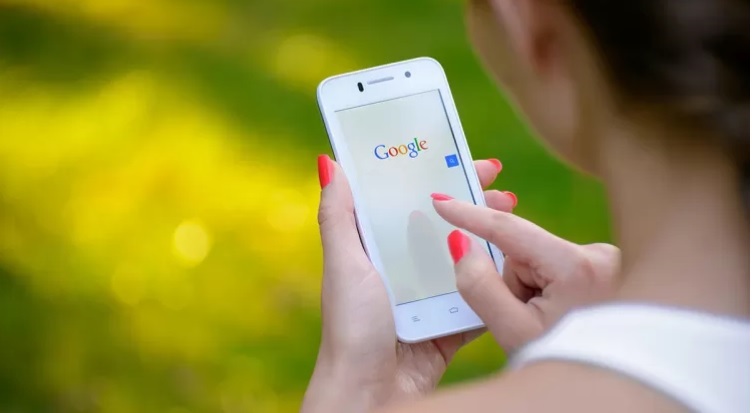
Thanks to Artificial Intelligence, the Google Discover service manages to select the news that may be of most interest to each individual user. Here’s what Google Discover is and how it works
The era of tailored news, news and content strictly in line with our habits has arrived. All this is possible thanks to Google Discover , a tool created by the Mountain View giant with the aim of personalizing our use of information for anyone who uses an Android smartphone. It is a tool that works in symbiosis with Google’s digital assistant to give the user an increasingly personalized navigation. Here’s what Google Discover is and how it works.
- Google Discover: what is it?
- How Google Discover works
- How to activate Google Discover
- Google Discover: what is it?
Are you a big sports fan? Google knows it . Do you like viewing cooking videos? Google also knows this. Thanks to artificial intelligence and particular algorithms, Google Discover is able to offer you contents of your interest in the news feed of your smartphone. This is because Google Discover is nothing more than a function integrated in the Google app, the one that allows you to have on your display with a simple swipe the most important information, such as online newspaper articles, viral videos or weather forecasts. Now, thanks to Google Discover, this news is more and more personalized .
How Google Discover works
There is no magic trick hidden behind this great opportunity. It is only Google’s ability, thanks to Artificial Intelligence implementations, to create a news flow based on research carried out over time, on the main topics displayed and on the most visited sites, all central elements in data driven digital marketing strategies . Google makes us a tailor-made newsletter , and is hardly wrong. Obviously everything is reversible, if we want less content we can change the settings in order to refine Google’s proposal.
How to activate Google Discover
To activate Google Discover the first step is to access the Google app settings, present by default on every smartphone. Once inside, you need to click on the “three dots” at the bottom of the screen, accompanied by the word “other”. Here you enter the “Settings” section and then activate the “Discover” function . From this moment Google Discover is activated and under the search bar you will start to see news selected according to your interests and previous searches.
As mentioned above, the news flow can be reorganized according to your needs. Each news item can be customized by clicking on the three dots located on the right. By clicking on it, you can hide the same, share it on the various social networks , choose to delete all the information relating to the subject to whom the news refers or obscure only the site from which it is extrapolated. Not only that, to improve the user experience, Google Discover chooses news not following a chronological setting (i.e. the latest news in the foreground) but adapting to the context and interests of the user . All this entails an even more pleasant and focused navigation



